Amazon A+ Content in 2026: Premium is now free.
Since May 2026, Premium A+ Content is enabled at no extra cost for every brand-registered seller, and a new Quality Score grades what you publish. Here is who qualifies, what A+ costs to design and how to A/B test it, the Premium modules worth using first, what Enhanced Brand Content searchers should know, and the best practices that still decide whether A+ converts.
Get a free A+ Content review →Since May 2026, Premium A+ Content is enabled at no extra cost for every brand-registered seller: the old five-million-dollar sales threshold and invite-only gate are gone, and a new A+ Quality Score now grades what you publish. Strong A+ still lifts conversion 5 to 20%. The 2026 work is using the access well: the right Premium modules, mobile-first design, a published Brand Story, compliant copy, and content the AI shopping assistant can read.
- FreePremium A+ for all brand-registered sellers since May 2026
- +15–20%Conversion lift from Premium A+
- 54%+Of Amazon web visits come from a phone, before counting the app
What changed for A+ Content in May 2026?
Amazon flipped Premium A+ Content on by default for brand-registered sellers in May 2026. The old gate, an invite-only program that in practice required around five million dollars in sales, is gone, and Premium now costs nothing extra. Alongside the rollout, Amazon introduced an A+ Quality Score that grades published content, so access stopped being the differentiator and execution became it.
A+ Content itself is unchanged in shape: the enhanced image-and-text section on the product page, available to Brand Registry sellers. Premium unlocks the interactive module set and pushes conversion lift to roughly 15 to 20% versus 5 to 10% for Basic; Amazon's own published figures are up to 8% for Basic and up to 20% for Premium.
Do I qualify for Premium A+ Content?
Most brands now do. The base requirements are a Professional selling account, enrollment in Amazon Brand Registry, and a Brand Representative or Reseller role on the account. Since the May 2026 change, eligible sellers see Premium modules enabled by default in A+ Content Manager, at no cost.
Two legacy signals still matter on some accounts: a Brand Story published across your brand-owned listings, and a history of approved A+ submissions (the old published bar was five approved projects in twelve months). Amazon adjusts eligibility without publishing a fixed rule set, so treat the banner in A+ Content Manager as the source of truth, and publish your Brand Story first either way.
How much does A+ Content cost?
Publishing A+ Content costs nothing. Amazon lists it as free for eligible sellers, Basic and Premium alike, beyond the $39.99 a month Professional plan it requires. What you pay for is design: from $0 if you build it yourself to $8,000 or more per ASIN for a full Premium production with new photography and video.
Most brands land in the middle. Specialist A+ studios advertise roughly $199 for a Standard page and $499 for Premium, and agencies charge about $1,000 and $2,000 per design. Commission photography once and reuse it: the same assets feed your image stack, Brand Story and Sponsored Brands video, and shoots are usually the biggest line.
| Route | Typical price (October 2026) | What you get | Watch for |
|---|---|---|---|
| DIY in A+ Content Manager | $0 in Amazon fees, plus 4 to 8 hours for a first three-module page | Full control, Premium modules included since May 2026 | Empty alt text and image keywords drag down the Quality Score |
| Freelance marketplace | Gigs from a few dollars; full pages quoted per project | Speed and a low cash outlay | Entry tiers often buy one or two images, not a full page |
| Specialist A+ studio | About $199 (Standard) to $499 (Premium) per product | Design and copy built to Amazon's specs | Photography and video usually cost extra |
| Agency | About $1,000 (Standard) to $2,000 (Premium) per design; $3,000 to $8,000+ with new photo and video | Strategy, design, copy, submission and testing | Ask whether Manage Your Experiments tests are included |
Sources for the ranges: Amazon's A+ Content page (free for eligible sellers), publishing.co.uk's August 2026 comparison of A+ services (DIY hours, freelance tiers, studio prices), My Amazon Guy's published per-design rates, and Evolve AMZ's May 2026 cost breakdown of a full Premium production.
If we manage your account, Amplifyr's fee is 10% of Amazon revenue under $50K a month (minimum $2,500), 7% from $50K (minimum $5,000) and 5% above $100K, month to month. Full service adds a $500 monthly design credit that covers A+ Content; on Growth, design is à la carte. Compare what an Amazon agency costs, or see the A+ Content our creative studio builds.
What is the A+ Quality Score, and how do you raise it?
The Quality Score, introduced with the May 2026 rollout, grades each A+ deployment on completeness (every field filled, including image keywords and alt text), image quality (full-resolution, spec-compliant uploads), and module mix (varied, complementary modules rather than one repeated banner). As Premium spreads to every competitor, higher-scoring content is what wins the comparison.
Raising it is mechanical: fill every text and keyword field, upload images at full spec rather than upscaled, and combine at least a banner, a comparison module, and one interactive or video module per deployment. Start with your highest-traffic ASINs and work down; our conversion rate guide covers how to measure the lift.
Which Premium A+ modules should you use first?
Four Premium modules do most of the converting: video (including video carousels) for demonstration and trust, hotspot images that explain features in context, enhanced comparison charts that keep shoppers inside your catalog, and full-width banners that carry the lead benefit at phone width. If you publish only one, make it video: it is the module Basic cannot replicate and the one shoppers engage with most.
Premium A+ Content examples, module by module
- Hero video: full-width video with a headline, for showing the product in use.
- Video and image carousel: 2 to 6 swipeable panels that mix a demo clip with stills.
- Hotspot image: 2 to 6 tap-to-reveal markers that explain features on one hero shot.
- Comparison carousel and scroller: 3 to 7 of your own products side by side; the scroller can show price, ratings and Add to Cart.
- Navigation carousel: 2 to 5 tabs, one per flavor, size or use case.
- Regimen carousel: 2 to 5 steps for a routine, such as skincare or supplements.
- Q&A module: 2 to 5 questions that answer the objections in your reviews.
- Tech specs: 4 to 16 rows for dimensions, materials and compatibility.
- Full-background image or text: the lead benefit, full width at phone size.
One rule from Amazon's module specs: a single A+ document is either all Premium or all Basic modules, so plan each page in one tier.
Amazon A+ Content best practices
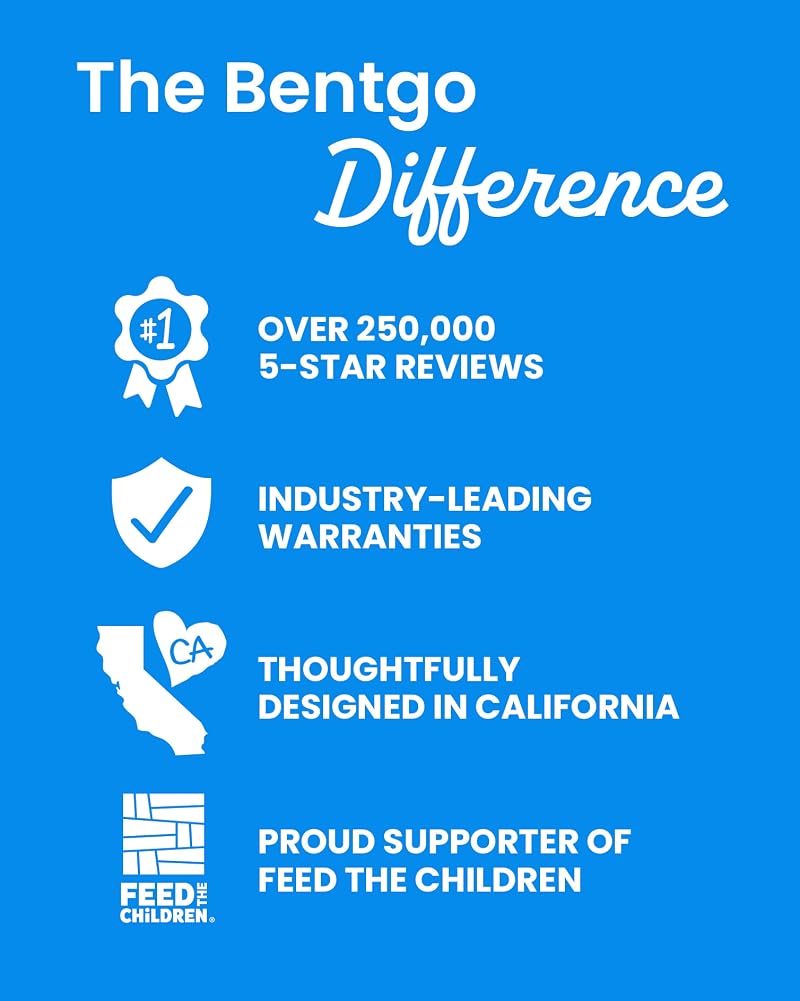
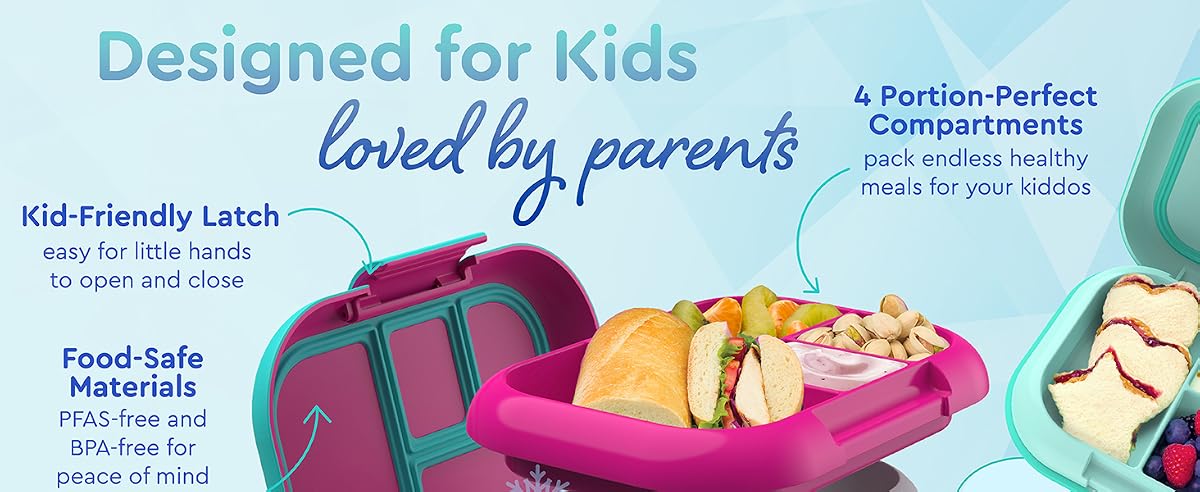
Lead with your strongest benefit, prove claims with imagery, and answer the objections that stop a purchase. Use a comparison module to cross-sell your own catalog and position against alternatives without naming them.
Three real modules worth copying:

| Module | Use it for | Tip |
|---|---|---|
| Hero / banner | Lead benefit + brand feel | Make the value clear in the first screen |
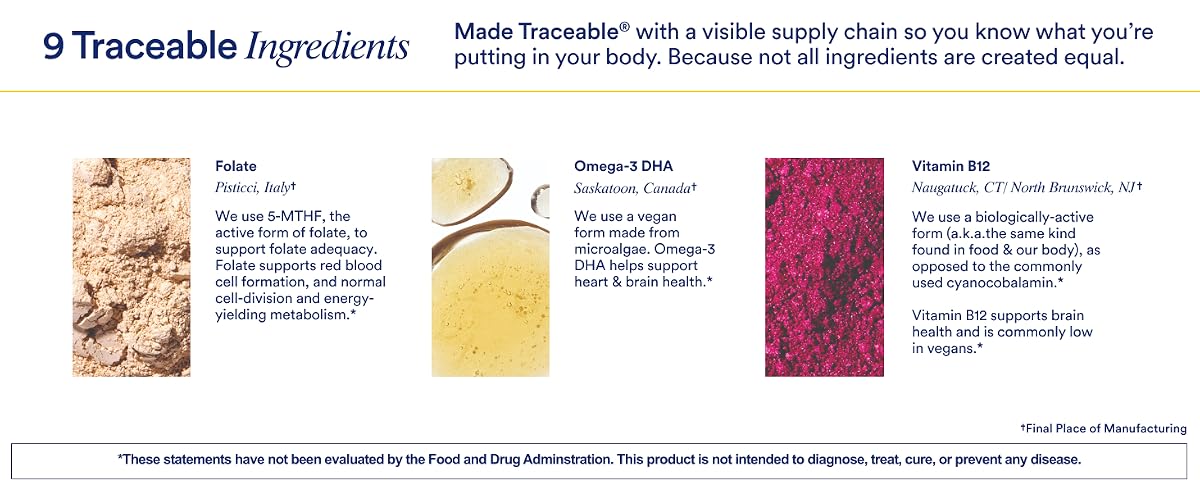
| Comparison table | Cross-sell & positioning | Guide shoppers to the right SKU |
| Interactive hotspots (Premium) | Explain features in context | Set expectations to reduce returns |
| Video (Premium) | Demonstrate use & build trust | Reuse the clip for Sponsored Brands Video |
Design mobile-first
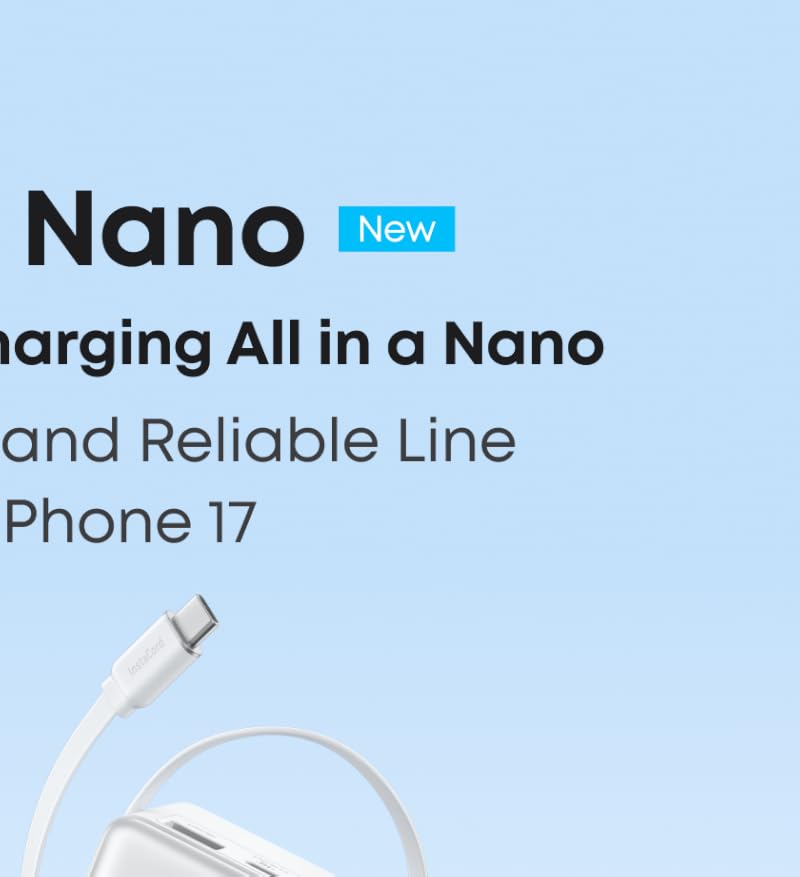
More than half of Amazon's web visits come from a phone (about 54% in Semrush data), and app shoppers come on top of that, so design for mobile first: clear hierarchy, short sections, large legible text, and your most important argument early. Preview every module on mobile before publishing, desktop-perfect layouts often break on a small screen.
How do you A/B test A+ Content?
Use Manage Your Experiments in Seller Central. It runs your published A+ (version A) against a new version (version B) and reports which one sells more. Amazon requires a Professional selling account, a Brand Representative role in Amazon Brand Registry, published A+ on the ASIN, and enough recent traffic to produce a valid result.
If you set the duration yourself, Amazon recommends 8 to 10 weeks. Its default "to significance" setting runs until there is enough data to declare a winner, sometimes in as little as four weeks, and publishes the winning version automatically. Low-traffic ASINs rarely reach a clean read, so start with your best sellers.
Test one change at a time, in roughly this order: module order (lead benefit first or brand first), whether a comparison chart earns its slot, a video module against a static banner, then copy density. Amazon also offers multi-attribute experiments that change title, images and bullets together; useful for a relaunch, but a single-variable A+ test tells you what actually moved sales.
Brand Story vs. A+ Content
They're complementary. Brand Story is a separate carousel that sits above A+ and is reused across every ASIN to carry brand identity and cross-sell. A+ Content is per-product and carries the specific evidence that converts that listing. Use both: Brand Story for identity, A+ for proof.
Is A+ Content the same as Enhanced Brand Content (EBC)?
Yes. Enhanced Brand Content was the Seller Central name until Amazon renamed it A+ Content in 2019 and folded it into one program. If you are searching for Amazon enhanced brand content guidelines, EBC design rules, or enhanced content examples in 2026, the current name for all of it is A+ Content, and everything on this page applies. The old EBC templates are gone; module-based Basic and Premium A+ replaced them.
Stay compliant (and get approved)
The two most common rejection causes are image-spec violations and prohibited content. Keep A+ free of price, promotions, shipping-speed claims, warranty language, and competitor names.
Price or discounts, shipping speed, warranty or guarantee language, competitor brand names, and unverified claims. Keep it about the product's benefits and proof, and meet Amazon's image specs on every module.
Write A+ the AI assistant can read
Amazon's AI shopping assistant reads your detail page, including A+, to decide what to recommend. Write clear, factual, structured copy, concrete use cases, materials, and specs, so the assistant can match your product to a shopper's question. See our AI shopping assistant guide.
Frequently asked questions
Does A+ Content increase conversion?
Yes. Amazon's own published figures are up to 8% more sales from Basic A+ and up to 20% from Premium A+. In practice agencies see roughly 5 to 10% from Basic and 15 to 20% from Premium, because A+ answers objections with images and structured comparisons before a shopper leaves the page.
Is Premium A+ Content free in 2026?
Yes. Since May 2026 Premium A+ Content is enabled by default for brand-registered sellers at no extra cost, removing the old invite-only gate and the roughly five-million-dollar sales threshold. Some accounts still see the legacy unlock signals, a Brand Story published across brand-owned listings and a history of approved A+ submissions, and Amazon adjusts criteria without publishing them, so check the banner in A+ Content Manager.
What is not allowed in Amazon A+ Content?
Avoid price or promotions, shipping-speed claims, warranty or guarantee language, competitor brand names, and unverified claims. The two most common rejections are prohibited content and image-spec violations.
What is the difference between Brand Story and A+ Content?
Brand Story is a carousel reused across all your ASINs to carry brand identity and cross-sell; A+ Content is per-product and carries specific proof. They are complementary, use both.
What happened to Enhanced Brand Content (EBC)?
It was renamed. Enhanced Brand Content became A+ Content in 2019, and the module-based Basic and Premium A+ system replaced the old EBC templates. Current Amazon enhanced brand content guidelines are simply the A+ Content guidelines, including the May 2026 Premium rollout.
How much does Amazon A+ Content cost?
Publishing it costs nothing: Amazon lists A+ Content, Basic and Premium, as free for eligible sellers on a Professional plan. You pay for design: $0 plus your time if you build it yourself, roughly $199 to $499 per product from specialist studios, and about $1,000 to $2,000 per design from agencies, or $3,000 to $8,000 or more for a full Premium production with new photography and video.
Can you A/B test A+ Content on Amazon?
Yes, with Manage Your Experiments. You need a Professional selling account, a Brand Representative role in Brand Registry, published A+ on the ASIN and enough recent traffic. Amazon recommends 8 to 10 weeks when you set the duration; its to-significance setting can finish in as little as four weeks. Change one thing per test, such as module order or a comparison chart.
What are examples of Premium A+ Content modules?
Hero video, video and image carousels, hotspot images, comparison carousels and scrollers for 3 to 7 of your own products, navigation and regimen carousels, a Q&A module, a tech specs table and full-width background banners. One A+ document has to be all Premium or all Basic modules.
Ready to get to the top shelf?
A 30-minute call and a free account audit, we’ll tell you exactly what we’d do, no strings.
Get a free A+ Content review →